RDP: How to Install a Desktop Interface and Connect via RDP on Your Cloud Instance
Once your instance is deployed and you have obtained its floating IP, you can install a graphical desktop environment and enable RDP access by following these steps:
1. Connect to Your Instance via SSH
Use the SSH command provided by Terraform output, for example:
ssh -i <your_private_key> ubuntu@<floating_ip>
Replace <your_private_key> with your SSH key path and <floating_ip> with the instance's public IP.
2. Install XFCE4 and XRDP
After logging in, run the following commands to install XFCE4 and XRDP, configure the session, and open the RDP port:
sudo apt-get update && \
sudo apt-get install -y xfce4 xfce4-goodies xrdp && \
sudo adduser xrdp ssl-cert && \
sudo systemctl restart xrdp

# Create .xsession file for xfce4

echo "xfce4-session" | sudo tee .xsession
sudo mv .xsession /home/ubuntu/.xsession
sudo chown $USER:$USER /home/ubuntu/.xsession
sudo chmod 755 /home/ubuntu/.xsession

# Configure xrdp to use xfce4
sudo sed -i.bak '/^test -x \/etc\/X11\/Xsession && exec \/etc\/X11\/Xsession/a xfce4-session' /etc/xrdp/startwm.sh
sudo sed -i.bak 's/\/etc\/X11\/Xsession/\/home\/ubuntu\/.xsession/' /etc/xrdp/startwm.sh
sudo sed -i.bak 's/\/etc\/X11\/Xsession/\/home\/ubuntu\/.xsession/' /etc/xrdp/xrdp.ini
sudo sed -i.bak 's/\/etc\/X11\/Xsession/\/home\/ubuntu\/.xsession/' /etc/xrdp/xrdp-sesman.ini

# Open port 3389
sudo ufw enable
sudo ufw allow 3389
sudo ufw allow OpenSSH
3. Set the Ubuntu User Password
Set the password for the ubuntu user (for example, to ubuntu):
echo "ubuntu:ubuntu" | sudo chpasswd
4. Reboot the Instance
sudo reboot
5. Connect via RDP
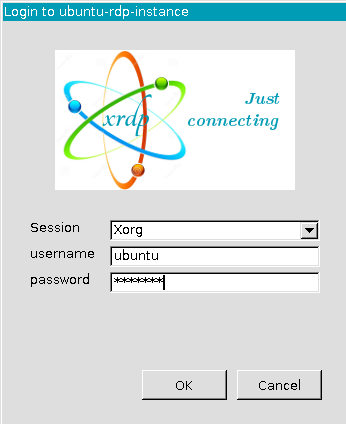
After the instance reboots, use an RDP client (such as Windows Remote Desktop or Remmina) to connect to the floating IP. Log in with:
- Username: ubuntu
- Password: ubuntu
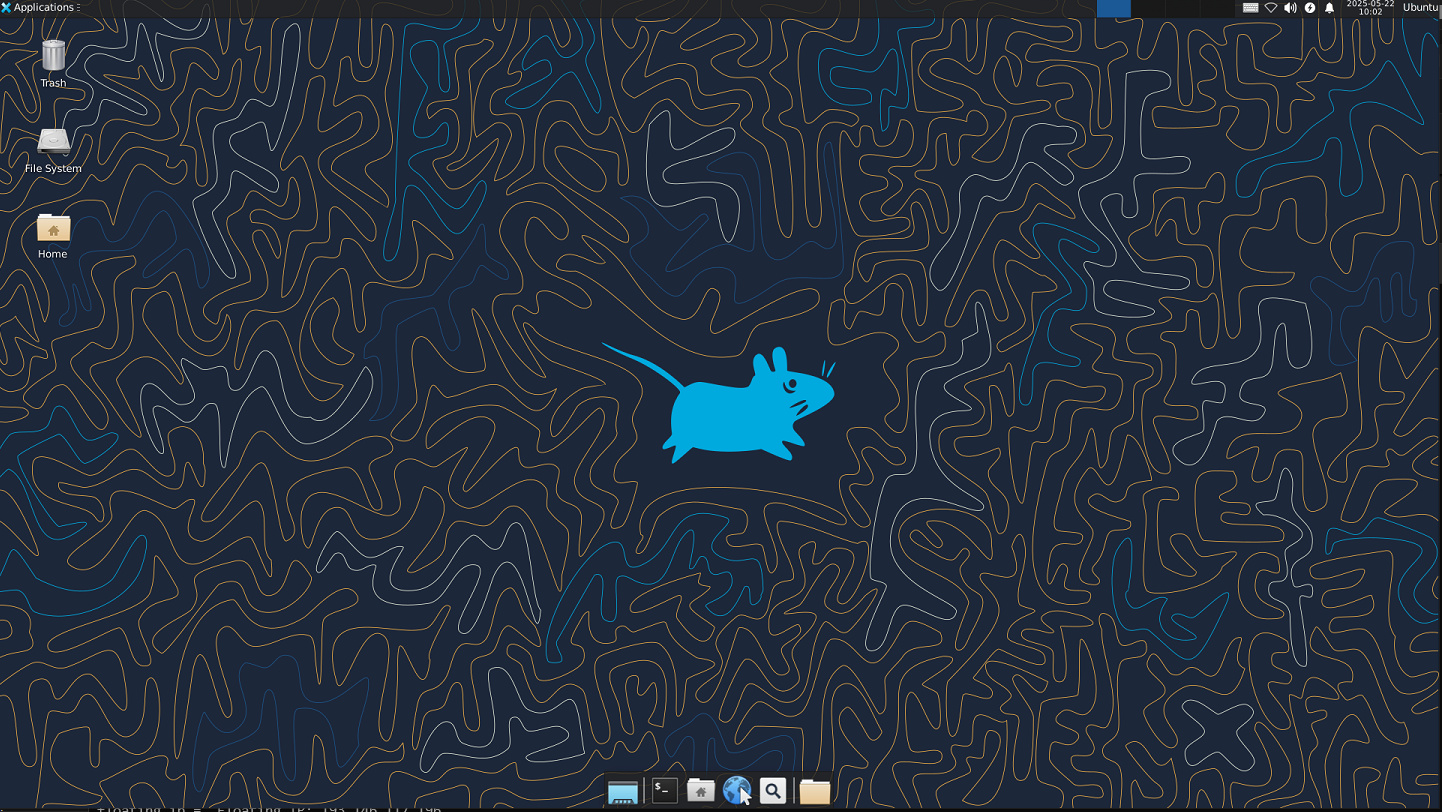
You should now have access to the XFCE4 desktop environment on your cloud instance.
Note:
- The installation and reboot process may take several minutes.
- If you encounter issues, check the security group rules to ensure ports 22 (SSH) and 3389 (RDP) are open.
- The installation lasts around 30 minutes.
Set the floating IP in Windows Remote Desktop application to connect the RDP instance.